Sunalite is reader-supported. As an Amazon Associate I earn from qualifying purchases. This post contains affiliate links. Learn more.
Most people buy the wrong size power station. Some spend $2,000 on a giant unit that ends up charging phones twice a year. More often, people buy a small one and discover during the first storm that it shuts off the moment the refrigerator compressor kicks on.
The good news is that sizing a power station isn’t hard. You need two numbers from the spec sheet, a short list of what you want to run, and about ten minutes of simple math. This guide walks through the whole process: the specs that matter, appliance wattage tables, real-world examples for common outage scenarios, and the features worth paying extra for.
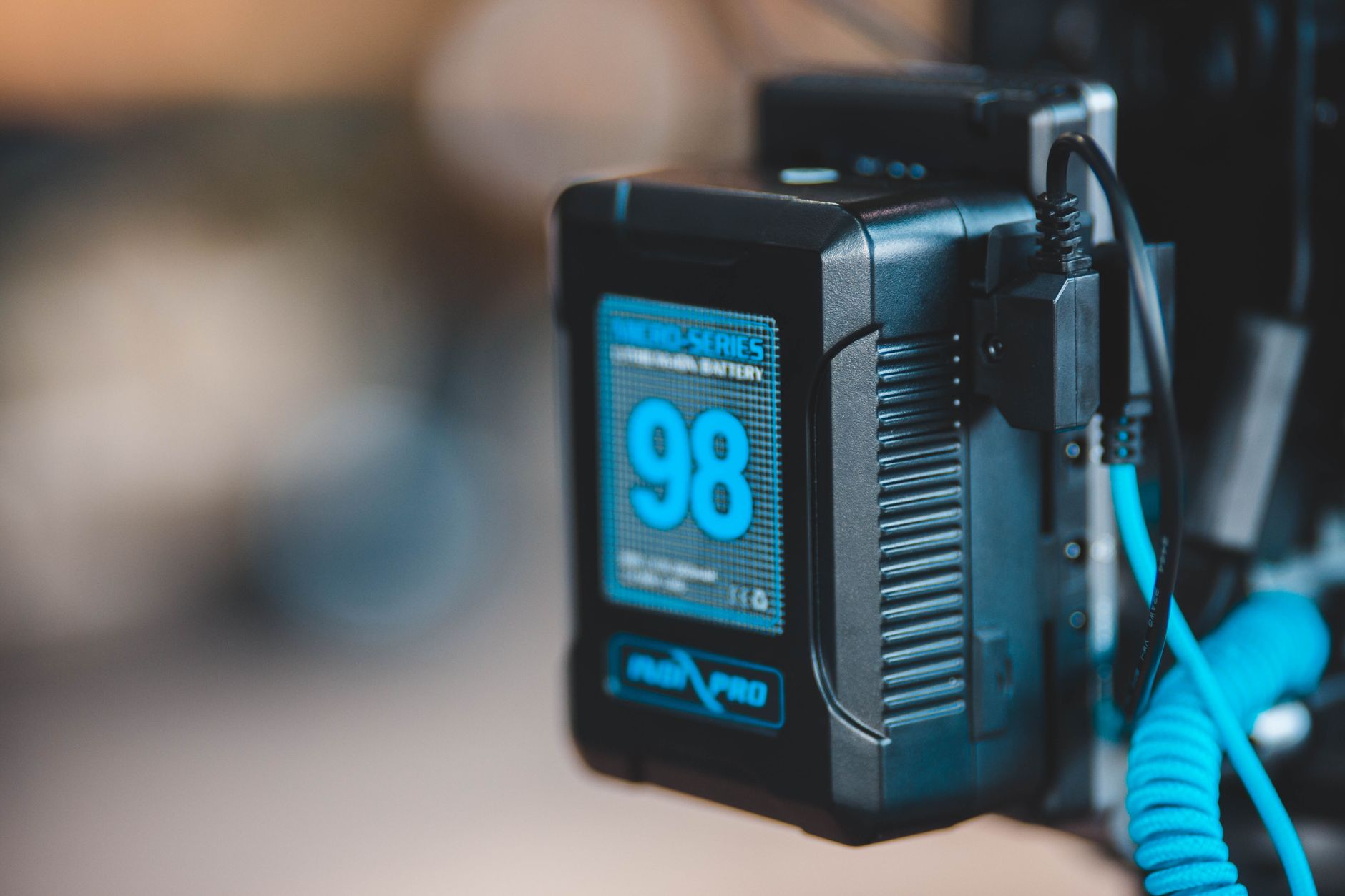
Table of Contents
The Two Numbers That Matter: Watt-Hours and Watts
Every power station lists a lot of specs, but only two decide whether it will work for you:
- Capacity, in watt-hours (Wh): how much energy the battery stores. This decides how long your devices run.
- Output, in watts (W): how much power the inverter can deliver at one time. This decides what you can run, and how many things at once.
The easiest way to picture it: capacity is the size of the gas tank, and output is the size of the engine. A huge tank with a tiny engine can run a phone charger for a week but can’t start a sump pump. A big engine with a small tank can run a microwave, but only for a few minutes. You need enough of both.
You’ll also see a third number, surge or peak watts. That’s the short burst the inverter can deliver for a second or two when a motor starts. It’s usually about double the continuous rating, and it matters a lot for anything with a compressor or pump.
Step 1: Add Up the Running Watts
Start by listing everything you’d want to run at the same time during an outage. Then look up each device’s running watts. You’ll usually find it on a label on the back or bottom, in the manual, or on the manufacturer’s website.
The most accurate method is a cheap plug-in watt meter. Plug the appliance into the meter, plug the meter into the wall, and it shows real-time watts plus total kWh over hours or days. It’s the single best $20–$30 you can spend before buying a power station.
| Device | Typical running watts | Startup surge |
|---|---|---|
| Phone or tablet charging | 10–30W | None |
| Wi-Fi router + modem | 15–30W | None |
| LED bulbs (3–4) | 25–50W | None |
| Laptop | 45–100W | None |
| CPAP (no heated humidifier) | 30–60W | None |
| TV (50–65″) | 80–150W | None |
| Full-size refrigerator | 100–250W while running | 600–1,200W |
| Chest freezer | 50–100W while running | 400–800W |
| Gas furnace blower | 300–700W | 1,000W+ |
| Sump pump (1/3 HP) | 700–900W | 1,500–2,200W |
| Coffee maker | 800–1,200W | None |
| Microwave | 1,000–1,500W | Small |
| Space heater | 750–1,500W | None |
These are typical ranges. Your appliance’s label or a watt meter always wins.
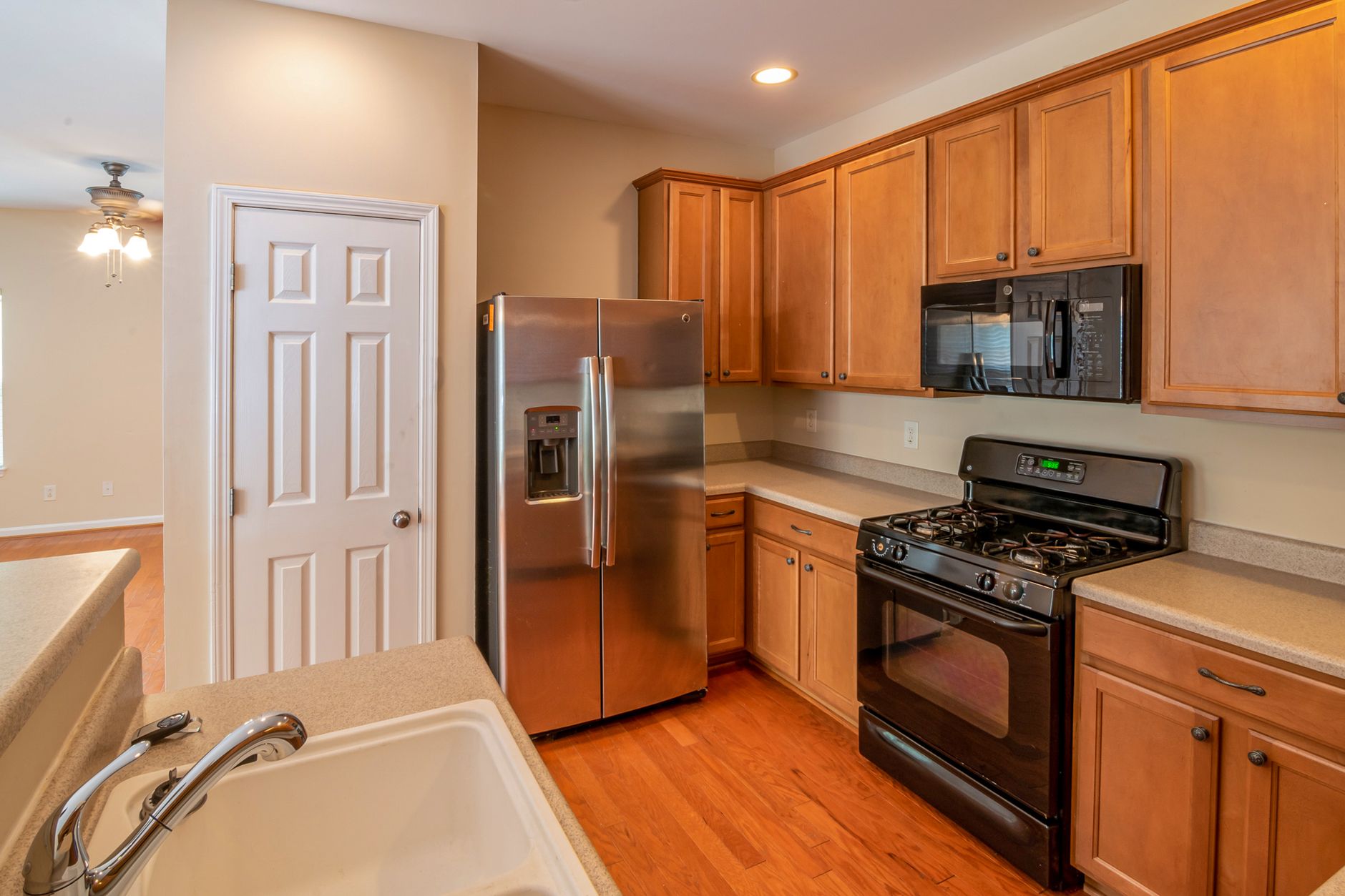
Once you have your list, add up the devices that would realistically run at the same time. Most people don’t need everything at once. A fridge, router, a few lights and phone chargers together usually come to about 250–350W while the fridge compressor is running.
Step 2: Check the Biggest Startup Surge
Anything with a motor or compressor (refrigerators, freezers, sump pumps, well pumps, furnace blowers, window AC units) draws a big burst of power for a second or two when it starts. If the power station can’t supply that burst, it shuts off to protect itself, even if the running watts are well within its rating.
The rule of thumb:
- The station’s continuous output must cover everything running at the same time.
- Its surge rating must cover your biggest single startup plus whatever else is already running.
Example: a fridge (150W running, 1,000W surge) plus a router and lights (60W) on an 1,800W unit with a 3,600W surge is easily fine. A 1/2 HP sump pump (1,000W running, up to 2,800W at startup) plus a microwave on a 1,500W unit is not.
Step 3: Multiply by the Hours You Need
Now work out how much stored energy you need. The basic formula:
The 0.85 accounts for inverter losses. Converting the battery’s DC power to household AC wastes roughly 10–15%, and more at very low loads.
There’s one important wrinkle. Fridges, freezers and pumps cycle on and off, so they don’t draw their running watts every hour. A fridge that pulls 150W while the compressor runs might only run 35–50% of the time, so it averages more like 50–80W across a day. Use average watts, not peak watts, for this step. We break down fridge math in detail in how long a fridge runs on a power station.
Real-World Sizing Examples
“I just want phones, Wi-Fi and lights”
Router and modem (20W) + four LED bulbs (35W) + phones and a tablet (20W) ≈ 75W. For 12 hours: 75 × 12 ÷ 0.85 ≈ 1,060Wh. A 500Wh unit gets you through an evening. A ~1,000Wh unit covers a full day and night. Output needs are tiny, so almost any station works.
“Keep the fridge cold and the internet on”
Fridge averaging ~70W + Wi-Fi 20W + a few lights 30W ≈ 120W average. For 24 hours: 120 × 24 ÷ 0.85 ≈ 3,400Wh. A 1,000Wh unit buys you roughly 7–8 hours, which is plenty for most short outages. For longer ones, step up to a 2,000–4,000Wh unit, add an expansion battery, or plan to recharge with solar.
“I need the sump pump covered”
This is where output matters more than capacity. A 1/3 HP pump can surge past 2,000W, so look for at least 1,800–2,400W continuous with a 3,000W+ surge. In a heavy storm the pump may run nearly constantly, so capacity matters too. See can a power station run a sump pump for the full breakdown.
“I want to run the gas furnace in a winter outage”
A gas furnace needs electricity only for its blower and controls, typically 300–700W while running. Over a cold night where it runs 50% of the time, a 500W blower averages about 250W. Eight hours: 250 × 8 ÷ 0.85 ≈ 2,350Wh. That points to a 2,000Wh+ unit, connected safely through an electrician-installed inlet or transfer switch.
Power Station Size Tiers at a Glance
| Capacity | Typical output | Good for | Rough weight |
|---|---|---|---|
| 250–500Wh | 300–600W | Phones, laptops, CPAP for a night, camping | 7–15 lbs |
| ~1,000Wh | 1,500–2,000W | Short outages: fridge for several hours, Wi-Fi, lights, TV | 22–30 lbs |
| 2,000–4,000Wh | 2,200–4,000W | Day-long outages, sump pumps, furnace blowers | 40–90 lbs |
| Expandable 5kWh+ | 3,600W+, some with 240V | Multi-day backup, home circuits via a transfer switch | Modular |
Notice the weight column. A 1kWh unit is easy to carry from a closet to the kitchen. Bigger units usually have wheels, but you’ll want to place them once and leave them.
Features Worth Paying For
- LiFePO4 (LFP) battery chemistry. LFP batteries last roughly 3,000+ charge cycles and are more thermally stable than older lithium-ion (NMC) chemistries. Nearly every current model from the major brands uses LFP, so avoid old NMC closeouts unless they’re very cheap.
- Pure sine wave inverter. Standard on reputable units and important for motors, medical devices and sensitive electronics.
- UPS or pass-through mode. The station stays plugged into the wall and powers your fridge, router or CPAP. When the grid drops, it switches to battery in a fraction of a second. Check the switchover time (often 10–30 milliseconds) and whether the maker recommends continuous pass-through use.
- Expandability. Adding an extra battery later is usually cheaper than replacing the whole unit.
- Solar input. Higher solar input (watts) means faster recharging during a long outage. Pair it with a foldable solar panel and you can keep going for days. More in our plug-in solar guide.
- Fast AC charging. Many 1kWh units now recharge from the wall in about an hour, which helps when power flickers on and off during a storm.
Plug-in watt meter
Measure your real fridge, freezer and pump usage for a day before you choose a size. It takes the guesswork out of everything above.
The ~1,000Wh Sweet Spot for Most Homes
For most households, a 1,000Wh, LFP, 1,500–2,000W power station is the best first purchase. It covers short outages, runs a fridge for most of a night, travels to campsites and tailgates, and can grow with an add-on battery or solar panel later. Three strong examples:
EcoFlow DELTA 3 Plus
- 1,024Wh LFP battery, 1,800W output
- Expandable with extra batteries
- Fast wall charging and quick switchover
Jackery Explorer 1000 v2
- 1,070Wh LFP battery, 1,500W output
- About 23 lbs, easy to carry
- Simple controls, app optional
Anker SOLIX C1000 Gen 2
- 1,024Wh LFP battery, 2,000W output
- Very fast AC recharge
- Strong output for its size
Comparing brands? Read EcoFlow vs. Jackery vs. Bluetti, or see our full list of the best power stations for home backup.
Common Sizing Mistakes to Avoid
- Using peak watts for run time. Size output for the peak, but size capacity for the average. Otherwise you’ll overbuy capacity.
- Forgetting inverter losses. A 1,000Wh battery delivers about 850Wh to AC devices.
- Ignoring surge. The most common reason a new power station “doesn’t work” with a fridge or pump.
- Planning for the best case. Batteries lose some capacity over the years, and cold garages reduce it further. Leave 15–20% headroom.
- Running heat-producing appliances. Space heaters, hair dryers and electric kettles drain batteries fast. See can a power station run a space heater.

Frequently Asked Questions
Is 1,000Wh enough to run a refrigerator?
For short outages, yes. A typical full-size fridge averages about 50–80W, so a 1,000Wh station runs it for roughly 10–14 hours. Make sure the station’s output and surge handle the compressor startup (most 1,500W+ units do).
Can I run my whole house on a power station?
Not on a portable 1–2kWh unit. Large 120/240V systems with expansion batteries can back up selected circuits through an electrician-installed transfer switch, but central air, electric ranges and electric water heaters are still too much for most setups.
How long does a power station hold its charge in storage?
Most LFP units lose only a few percent per month. Top it up every 3 months and keep it at room temperature so it’s ready when you need it.
Should I buy a bigger station or add solar?
If outages are usually short, buy the size you need for one night. If you get multi-day outages, adding a 200–400W solar panel often costs less than doubling battery capacity, and it keeps paying off for as long as the sun comes up.
The Bottom Line
Add up your running watts, make sure the surge rating covers your biggest motor, and multiply your average watts by the hours you need. If you’re unsure, buy a little bigger than your math says. Outages always seem to last longer than expected, and the right-sized power station turns a stressful night into a minor inconvenience.